
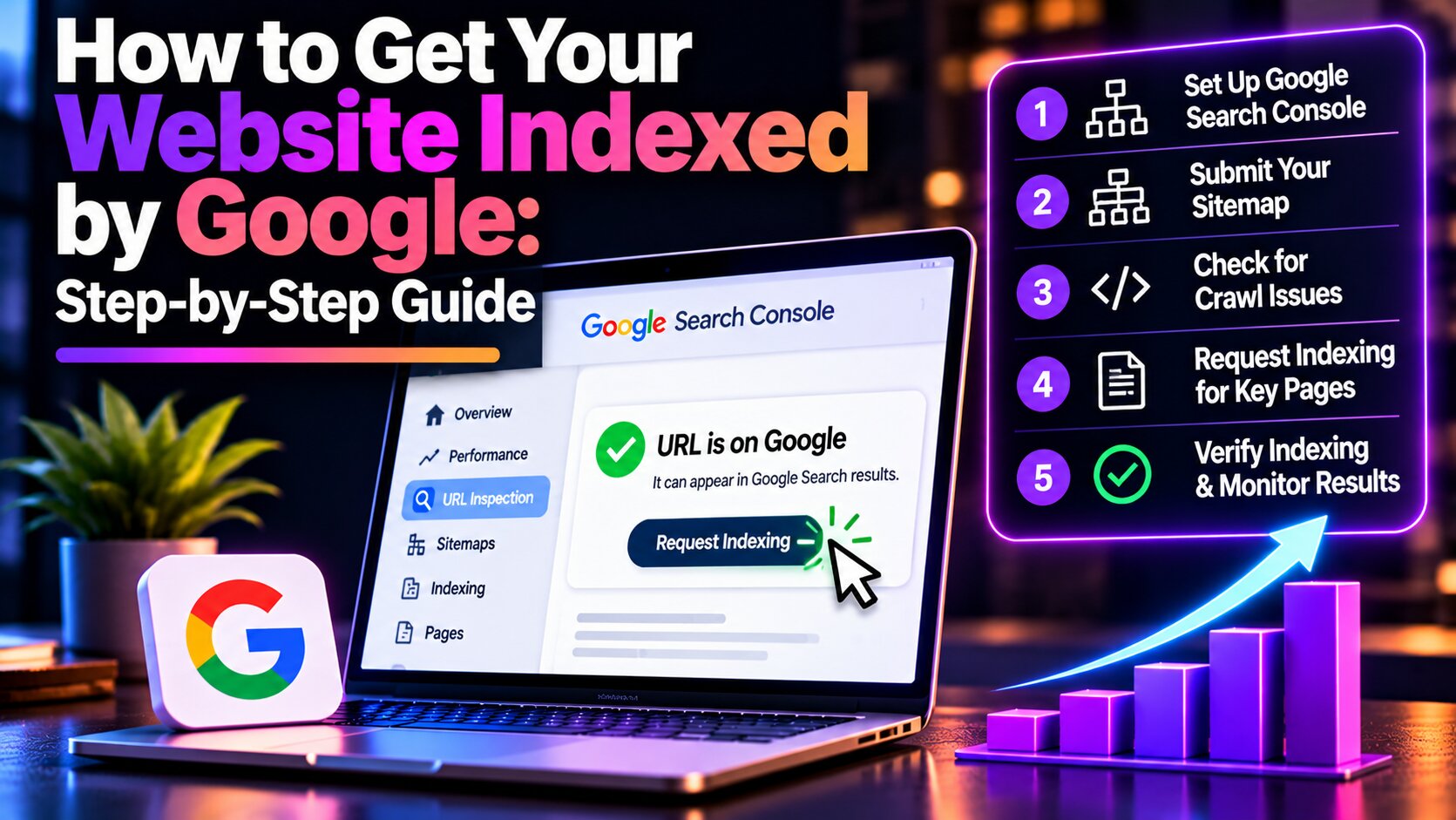
Launching a website doesn’t automatically mean it will appear in Google Search results. Before potential customers can discover your pages through organic search, Google needs to find, crawl, and index your content. For new website owners, this process can be confusing. You may have published your pages, optimised your content, and launched your website successfully, yet Google still doesn’t display it in search results.
Fortunately, there are practical steps you can take to improve how Google discovers and processes your website. In this guide, we’ll explain how to get your website indexed by Google, how to submit pages through Google Search Console, and how to resolve common indexing problems.
What Does It Mean to Get Your Website Indexed by Google?
Google indexing is the process through which Google analyses web content and may include information about a page in its search index.
When someone performs a search, Google evaluates relevant indexed pages to determine which results may best answer the query.
If your page isn’t indexed, it generally won’t be eligible to appear in regular Google Search results.
However, indexing doesn’t automatically guarantee rankings or organic traffic.
Crawling vs. Indexing vs. Ranking
Understanding these three processes can help you identify what your website needs.
Crawling happens when Google’s automated systems discover and retrieve website pages. Googlebot follows links and processes sitemaps to find content.
Indexing occurs when Google analyses a page and determines whether to include it in its search index.
Ranking determines where an indexed page may appear for a specific search query.
For example, your website might be indexed but rank poorly for a competitive keyword because other pages provide more relevant information.
This means getting indexed is only the beginning of a broader SEO strategy.
For more context, read our guide on understanding search engine optimisation.
How to Get Your Website Indexed by Google in 8 Steps
Getting your website indexed requires more than submitting a URL. Your pages must also be accessible, useful, and easy for search engines to discover.
Follow these eight steps to prepare your website for Google indexing.
Step 1: Set Up Google Search Console
Google Search Console is a free platform that helps website owners monitor their search visibility and identify technical issues.
It provides information about crawling, indexing, search performance, and website accessibility.
To get started, sign in with your Google account and add your website as a property.
You can choose a Domain property, which covers multiple protocols and subdomains, or a URL-prefix property, which monitors a specific URL prefix.
Google will then ask you to verify website ownership through an available verification method.
After verification, you’ll have access to reports showing how Google interacts with your website.
Setting up Search Console doesn’t guarantee indexing, but it provides the information needed to monitor and troubleshoot the process.
Step 2: Check Whether Your Website Is Already Indexed
Before submitting your pages, determine whether Google has already indexed them.
Open Google Search Console and select the URL Inspection tool.
Enter the complete URL of the page you want to check.
For example:
Google will display information about the page’s indexing status.
If the report indicates that the URL is on Google, it has been indexed. However, this doesn’t guarantee that it ranks prominently for relevant keywords.
If the page isn’t indexed, Search Console may provide information about the problem.
You can also perform a quick Google search using:
site:yourwebsite.com
This may show some indexed pages, but it isn’t a complete inventory of Google’s index.
If your page is indexed but doesn’t appear for target keywords, you may have a ranking issue instead.
Read our related article, Why Is My Website Not Showing Up on Google?, to understand other possible causes.
Step 3: Make Sure Google Can Access Your Website
Before requesting indexing, confirm that search engines can access your content.
Some websites accidentally contain technical restrictions that prevent Google from crawling or indexing important pages.
A common example is a noindex directive, which tells Google not to include a page in search results.
Another potential problem involves robots.txt rules that block Googlebot from accessing website content.
Your important pages should also return successful HTTP responses, typically status code 200.
Check that they don’t require authentication, return server errors, or redirect unexpectedly.
Canonical tags should also identify the appropriate preferred URL when similar pages exist.
The goal is to make sure Google can access and process the correct version of each important page.
If you’re unsure how to review these settings, a technical SEO audit can help identify accessibility and indexing problems.
NXT Era Marketing’s SEO services can help businesses address technical issues affecting search visibility.
Step 4: Create and Submit an XML Sitemap
An XML sitemap helps search engines discover important pages on your website.
It provides a structured list of URLs that you want search engines to know about.
Sitemaps are particularly useful for new websites, larger websites, and sites with pages that may be difficult to discover through internal links.
Many website platforms, including WordPress, can automatically generate XML sitemaps.
Common sitemap locations include:
or
However, your actual sitemap address depends on your website configuration.
To submit your sitemap, open Google Search Console and navigate to the Sitemaps section.
Enter the correct sitemap URL or path and submit it.
Google can then process the sitemap and use it to discover eligible pages.
Your sitemap should primarily include preferred canonical URLs that are accessible and intended for indexing.
Remember that submitting a sitemap doesn’t guarantee every listed URL will be indexed.
For further guidance, refer to Google’s official sitemap documentation.
Step 5: Request Indexing Through Google Search Console
Once your page is accessible and ready for indexing, you can submit an indexing request.
Open the URL Inspection tool in Google Search Console and enter the page URL.
Review the indexing information and, when appropriate, use the live URL test to confirm that Google can access the current page.
If everything appears correct, click Request Indexing.
Google will process the request according to its crawling and indexing systems.
This feature is useful when publishing a new page or making important updates to existing content.
However, requesting indexing doesn’t guarantee that your page will immediately appear in Google Search.
Google explains that crawling can take several days to several weeks, and some pages may not be indexed.
Submitting repeated indexing requests for the same unchanged URL won’t make the process faster.
If a page remains unindexed, review potential technical or content issues rather than continuously requesting indexing.
Step 6: Improve Your Website’s Internal Linking
Internal links connect pages within the same website and help search engines discover additional content.
When Google crawls a page, it can follow accessible links to find other relevant pages.
This means your internal linking structure can influence how easily Google discovers new content.
For example, imagine publishing a blog about SEO keyword research.
If the article is linked from your blog archive and other relevant SEO guides, search engines have additional pathways to reach it.
However, if the article isn’t linked from anywhere, it may be harder to discover through normal crawling.
To improve internal linking, connect related pages using descriptive anchor text.
Important content should also be accessible through relevant categories, navigation, or supporting pages.
Avoid adding unrelated links simply to increase their number.
A clear website structure improves navigation for visitors while helping search engines understand the relationship between your pages.
Our guide on how to build a topical map for SEO explains how connected content can support a broader SEO strategy.
Step 7: Improve Your Content Quality
Technical accessibility is important, but Google doesn’t automatically index every page it crawls.
Pages containing limited original information, duplicate content, or unclear purpose may struggle to gain visibility.
For example, publishing several articles that discuss essentially the same topic without adding meaningful differences can create unnecessary content overlap.
Instead, focus on creating useful content that answers specific search questions.
Include practical explanations, original examples, and relevant information that helps readers accomplish their goals.
For a website indexing tutorial, screenshots showing how to use Google Search Console can make the content easier to understand.
You should also consider search intent.
Someone searching for “how to get website indexed by Google” is generally looking for a practical tutorial rather than a broad explanation of digital marketing.
Matching content to user expectations helps ensure the page provides a useful experience.
Read our article on understanding search intent in SEO for additional guidance.
Businesses looking to develop more useful website content can also explore our content creation services.
Step 8: Monitor Your Website’s Indexing Progress
After submitting your sitemap and requesting indexing, continue monitoring your website through Google Search Console.
The Page indexing report shows which pages Google has indexed and which pages have encountered indexing issues.
This information can help identify patterns affecting your website.
For example, you may discover that several service pages are excluded because of canonical issues or technical restrictions.
You may also find pages that Google has discovered but hasn’t crawled, or pages that have been crawled without being indexed.
Not every excluded page requires action. Duplicate URLs, redirected pages, and intentionally excluded pages may not need separate indexing.
Focus on important pages that should appear in organic search results.
Once those pages are indexed, use the Performance report to monitor impressions, clicks, and search queries.
This will help you determine whether your website is beginning to attract visibility and traffic.
Common Google Indexing Problems and How to Fix Them
Even after following the steps above, some pages may remain unindexed.
Google Search Console provides status descriptions that can help explain what happened.
Discovered — Currently Not Indexed
Google knows the URL exists but hasn’t crawled it yet.
This may happen because the page is new or Google has delayed crawling.
Check accessibility, internal links, and sitemap inclusion, then allow time for crawling.
Crawled — Currently Not Indexed
Google has crawled the page but hasn’t included it in its index.
Review the page’s content usefulness, duplication, and canonical configuration.
There isn’t one universal fix, so investigate the page before making changes.
Excluded by Noindex Tag
Google detected a directive requesting that the page not be indexed.
If the restriction is unintentional, remove the directive and allow Google to recrawl the page.
Blocked by Robots.txt
A robots.txt rule is preventing Googlebot from accessing the page.
Review the restrictions and allow crawling if the page is intended to be publicly accessible and indexable.
Duplicate, Google Chose Different Canonical
Google identified similar URLs and selected another version as canonical.
Review your canonical tags, internal links, redirects, and sitemap to ensure they consistently reference the preferred URL.
Server Error (5xx)
Google encountered a server problem while attempting to access the page.
Investigate hosting availability and server responses. Persistent errors should be corrected before requesting another crawl.
How Long Does Google Take to Index a Website?
There is no guaranteed timeframe for Google indexing.
According to Google Search Central, crawling may take several days to several weeks.
Indexing can take additional time, and some pages may not be included at all.
Factors such as website accessibility, internal linking, technical configuration, and content usefulness can influence the process.
Instead of repeatedly submitting URLs, focus on making your website easy for Google to discover and understand.
Frequently Asked Questions
Is Google indexing free?
Yes. Google doesn’t charge websites to appear in organic search results. Google Search Console is also free to use.
Can I get my website indexed without Google Search Console?
Yes. Google can discover websites through links from other pages. However, Search Console provides useful tools for monitoring indexing and submitting sitemaps.
Why is my sitemap submitted but my pages are not indexed?
Submitting a sitemap helps Google discover URLs but doesn’t guarantee indexing. Technical restrictions, duplicate content, or other indexing decisions may prevent inclusion.
Does requesting indexing guarantee my page will appear on Google?
No. Google determines whether to index a page after processing it. An indexing request doesn’t guarantee inclusion or search rankings.
Final Thoughts: Make Your Website Easier for Google to Discover
Getting your website indexed by Google is an important first step toward improving organic search visibility.
However, successful indexing requires more than submitting a sitemap or requesting a crawl.
Your pages should be accessible, technically sound, properly connected through internal links, and useful to your target audience.
By following these eight steps and monitoring Google Search Console, you can improve your website’s readiness for indexing.
Once your pages are indexed, focus on improving keyword relevance, content quality, and overall SEO performance.
Need help getting your website indexed by Google?
At NXT Era Marketing, we help businesses identify technical SEO problems, improve website structure, and develop strategies for organic search growth.
Explore our SEO services or contact our team to learn how we can help improve your website’s search visibility.
