
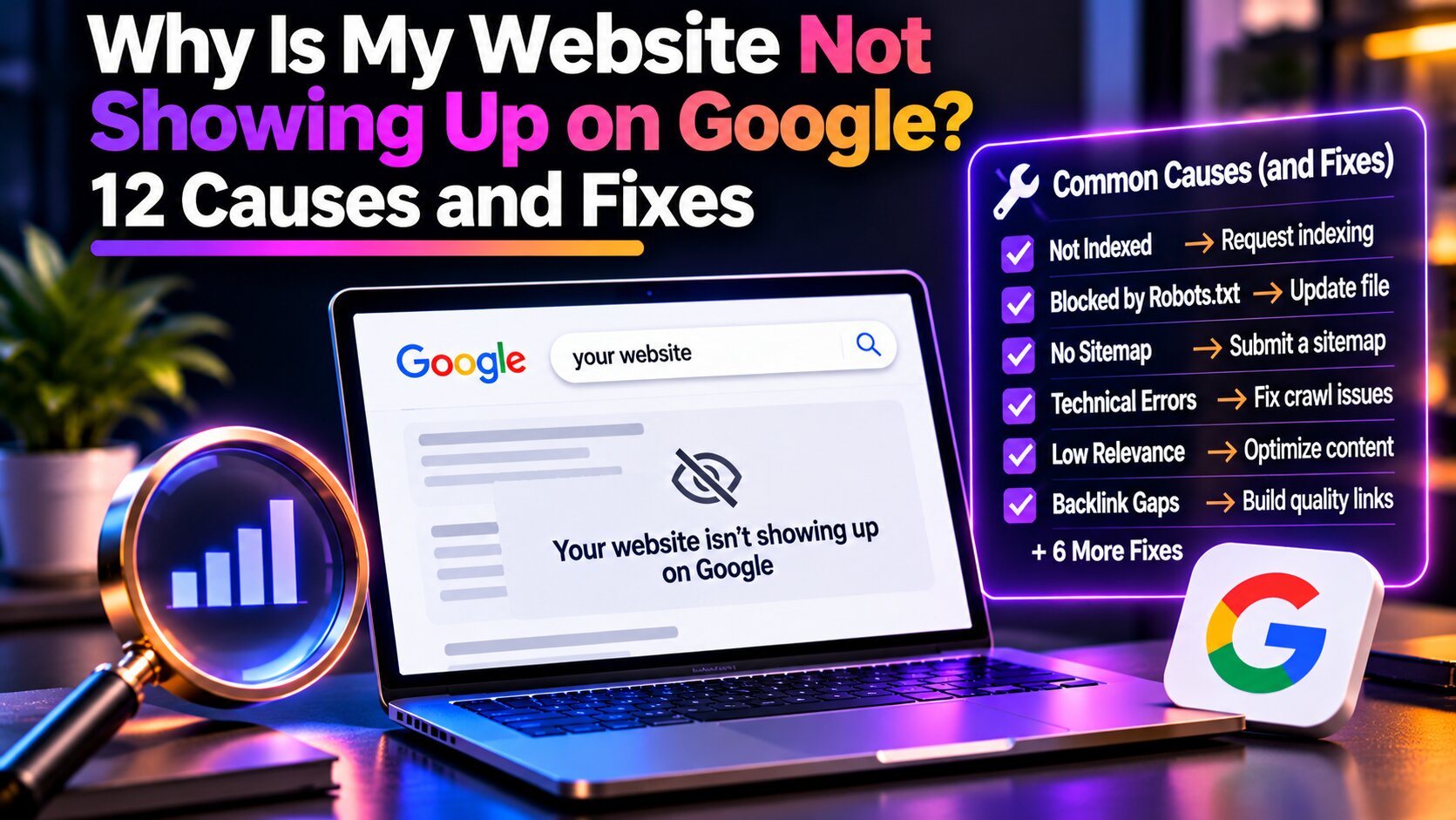
You’ve launched your website, published your content, and made sure everything looks professional. But when you search for your business on Google, your website doesn’t appear.
If you’re wondering why your website is not showing up on Google, several factors could explain the problem. Google may not have discovered your pages yet, technical issues could be preventing indexing, or your content may not rank well for your target keywords. Understanding the cause is essential because indexing problems and ranking issues require different solutions.
In this guide, we’ll explore 12 common reasons websites don’t appear in Google Search and explain how to identify and fix them.
How to Check If Your Website Is on Google
Before troubleshooting, determine whether Google has indexed your website. One simple method is to search Google using:
site:yourwebsite.com
Replace the example with your domain. If Google displays results, at least some pages are likely indexed. However, this search doesn’t provide a complete list of indexed URLs.
For more accurate information, use Google Search Console.
Open the URL Inspection tool and enter the complete URL you want to check. Google will indicate whether the page is indexed or whether an issue is preventing its inclusion.
It’s also important to distinguish between indexing and ranking. An indexed website can still appear far down Google’s results for competitive keywords.
If Google has indexed your pages but they aren’t attracting traffic, the problem may involve keyword relevance, competition, or content quality rather than indexing.
For additional context, read our guide to understanding search engine optimisation.
12 Reasons Your Website Is Not Showing Up on Google
1. Your Website Is New
New websites don’t always appear in Google immediately. Search engines need time to discover pages, crawl their content, and decide whether to index them.
This process can take several days or weeks, depending on the website and how easily Google discovers its pages.
How to fix it: Set up Google Search Console, submit an XML sitemap, and ensure important pages are accessible through internal links.
You can also request indexing for individual pages. However, submitting a URL doesn’t guarantee immediate indexing.
For detailed instructions, read our guide on how to get your website indexed by Google.
2. Your Website Has a Noindex Tag
A noindex directive tells search engines not to include a page in search results.
Although this setting is useful for certain pages, it can accidentally remain enabled after website development or redesign.
For example, WordPress websites may have search engine visibility restrictions enabled during development.
How to fix it: Use Google Search Console to inspect the affected URL and check whether a noindex directive is present.
If the page should appear in search results, remove the restriction and allow Google to recrawl it.
3. Your Robots.txt File Blocks Googlebot
The robots.txt file provides instructions about which website areas search engines may crawl.
If important pages are blocked, Google may be unable to access their content.
A restrictive robots.txt configuration can sometimes affect an entire website, particularly after a migration or development project.
How to fix it: Visit yourwebsite.com/robots.txt and review the crawling rules.
Make sure Googlebot can access pages intended for search results. Remember that blocking crawling doesn’t necessarily guarantee that a URL will disappear from Google’s index.
4. Your Website Has Technical Errors
Technical issues can prevent Google from accessing or processing website content.
Common examples include server errors, broken URLs, redirect problems, and unstable hosting.
If important pages frequently return errors, Google may be unable to crawl them successfully.
How to fix it: Review the Page indexing report in Google Search Console and identify affected URLs.
Check whether pages return successful HTTP responses and whether redirects lead to the correct destinations.
A technical SEO audit can help identify issues affecting multiple pages. NXT Era Marketing’s SEO services can help businesses identify technical barriers to search visibility.
5. Your Website Has Incorrect Canonical Tags
Canonical tags help Google understand which URL you prefer when several pages contain identical or similar content.
An incorrect canonical tag may point Google toward a different page, causing the intended URL to be excluded from indexing.
This can happen when websites have duplicate URLs, inconsistent configurations, or recent structural changes.
How to fix it: Inspect the affected URL in Google Search Console and compare the user-declared canonical with Google’s selected canonical.
Correct inconsistent signals and ensure internal links and sitemaps reference the preferred URL.
6. Your Website Has Thin or Duplicate Content
Google doesn’t automatically index every page it crawls.
Pages containing limited original information or substantially duplicate content may struggle to gain visibility.
For example, publishing multiple articles that discuss the same topic without providing different insights can create unnecessary overlap.
How to fix it: Focus on developing helpful, original content that answers specific user questions.
Include practical examples, relevant information, and explanations that satisfy search intent.
Our article on AI-generated content vs. human content explores the importance of content usefulness.
You can also explore our content creation services for assistance developing search-focused website content.
7. Your Website Has Poor Internal Linking
Internal links help visitors and search engines discover related pages within a website.
When important content isn’t linked from other pages, it may be harder for Google to discover through normal crawling.
These isolated URLs are commonly called orphan pages.
How to fix it: Link important pages from relevant articles, category pages, and website navigation.
Use descriptive anchor text that explains the destination page’s topic.
For example, an SEO article could link to related guides about keyword research, technical SEO, or content optimisation.
Learn more about organising related content in our guide on building a topical map for SEO.
8. Your Website Recently Changed Domains or URLs
Website migrations and redesigns can temporarily affect search visibility.
Changing domains, restructuring URLs, or removing pages without proper redirects can make it difficult for Google to locate existing content.
For example, a page previously available at one URL may return a 404 error after a redesign if its replacement wasn’t mapped correctly.
How to fix it: Implement appropriate 301 redirects from old URLs to relevant replacement pages.
Update internal links, canonical tags, and XML sitemaps to reflect the new website structure.
Monitor Google Search Console after the migration to identify crawling, indexing, or ranking changes.
9. Your Content Doesn’t Match Search Intent
Your website may already be indexed but fail to rank because the content doesn’t match what users are searching for.
Search intent refers to the purpose behind a search query.
Someone searching for “what is SEO” generally wants an explanation, while someone searching for “SEO agency” may be looking for a service provider.
If your content doesn’t address the user’s needs, Google may prioritise more relevant pages.
How to fix it: Review the current search results for your target keywords and identify the content format users expect.
Align your page with the appropriate intent while providing useful information.
For more guidance, explore our article about understanding search intent in SEO.
10. Your Website Has Limited SEO Authority
Newer or smaller websites often compete against established businesses with extensive content and relevant backlinks.
Even when your website is indexed, stronger competitors may rank higher for broad keywords.
However, this doesn’t mean smaller businesses cannot build organic visibility.
How to fix it: Focus on relevant, specific keywords that closely match your services and audience.
Publish useful supporting content, strengthen internal linking, and earn relevant backlinks naturally.
Over time, a connected collection of helpful pages can improve topical coverage.
Our article on topical authority vs. backlinks explains how these factors support SEO.
11. Your Website Has Mobile or Rendering Problems
Google primarily uses mobile website content for indexing.
If important information is missing on mobile devices or fails to load because of JavaScript issues, Google may have difficulty processing the page.
This is particularly important for websites that rely heavily on interactive elements.
How to fix it: Use Google Search Console’s URL Inspection tool to review how Google renders your page.
Check that important content, navigation, and internal links remain accessible on mobile devices.
You should also test your website across different screen sizes to identify usability or loading problems.
12. Your Website Experienced a Ranking Drop
If your website previously appeared in Google but has lost visibility, the issue may be related to ranking changes rather than indexing.
Search performance can change because of increased competition, content updates, technical problems, or changes in Google’s ranking systems.
Not every ranking decline indicates a Google penalty.
How to fix it: Compare performance data in Google Search Console to identify which pages and keywords have declined.
Review recent website changes and check the Manual Actions report for any reported violations.
If older content has lost visibility, updating it with more relevant information may help.
Read our guide on SEO content decay and recovering rankings for additional strategies.
How Long Does It Take for a Website to Appear on Google?
There is no guaranteed timeframe for Google to index or rank a website.
According to Google Search Central, crawling can take several days to several weeks, and indexing isn’t guaranteed.
New websites may need additional time for discovery, while existing websites with technical problems may require corrections before Google can successfully process their pages.
Even after indexing, ranking for competitive keywords can take longer.
Instead of repeatedly requesting indexing, focus on maintaining accessible pages, publishing useful content, and monitoring performance through Google Search Console.
Frequently Asked Questions
Why is my website not showing up on Google but appears on Bing?
Google and Bing have separate indexing and ranking systems. Your website may be indexed by Bing but not yet indexed by Google. Use Google Search Console to check its indexing status.
Why is my website indexed but not ranking?
Indexing only makes your page eligible to appear in search results. Rankings depend on factors such as relevance, content usefulness, competition, and other search signals.
Does a new website automatically appear on Google?
Google can discover websites automatically through links, but discovery and indexing aren’t guaranteed. Submitting a sitemap and maintaining internal links can help Google find important pages.
Do I need to pay Google to appear in search results?
No. Google doesn’t charge websites to appear in organic search results. Google Ads is a separate advertising platform and doesn’t guarantee better organic rankings.
Final Thoughts: Improve Your Website’s Google Visibility
If your website isn’t showing up on Google, the first step is identifying whether the issue involves indexing, technical accessibility, or search rankings.
Start by checking Google Search Console, reviewing important pages, and correcting verified problems.
Once your website is accessible and indexed, focus on creating relevant content, improving internal linking, and targeting keywords that match your audience’s needs.
Need help improving your website’s Google visibility?
At NXT Era Marketing, we help businesses identify technical SEO issues, improve website content, and develop strategies for attracting organic traffic.
Explore our SEO services or contact our team to discuss your website’s search performance.
